How to download the app
Stay connected with the IOSH community wherever you are by downloading our mobile app. It’s quick and easy to get started.
- Open your device’s app store:
- Android: Google Play Store
- iOS: Apple App Store
- Search for: Connected Community by Higher Logic
- Download and install the app.
- Once installed, follow the login steps below to access the IOSH community.
How to log in
Logging in is simple and takes just a few steps:
- Open the app. In the space for "your organization's community domain", enter iosh.connectedcommunity.org.
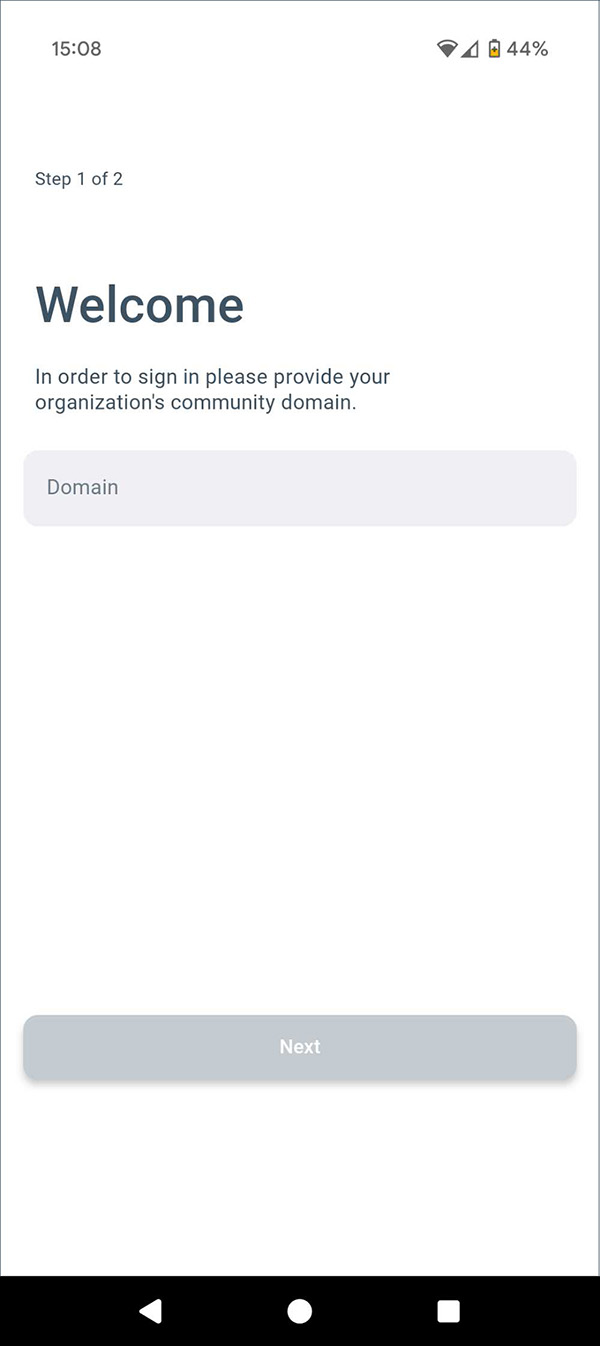
- Tap Next.
- Enter your email address and password associated with your IOSH account.
- Tap Log in to access the community.
Need help?
If you’re having trouble logging in or accessing your account, use the “Can’t access your account?” link on the login screen for assistance.